Team settings will be applied to the whole VersaFleet account and all of the users in the account will be able to see the same settings.
Company Name and Logo
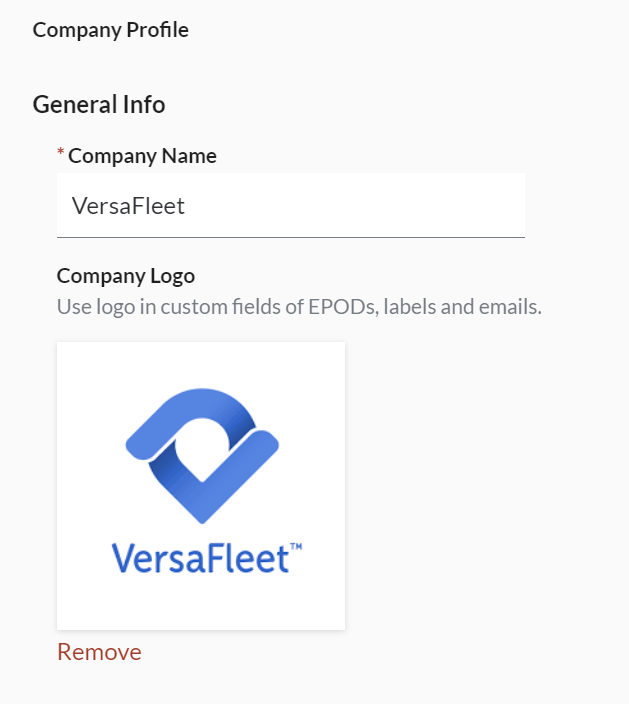
To set your Company Profile,
- Go to Settings > General > Company Profile
- You may make edits to the Company Name.
- Upload your Company Logo so that it can be used in EPODs, Task Labels and Email notifications when you select the 'Company Logo' merge block. The logo will also be applied to the Tracking Page when enabled.
- Click Save to save changes.
Account Language & Timezone
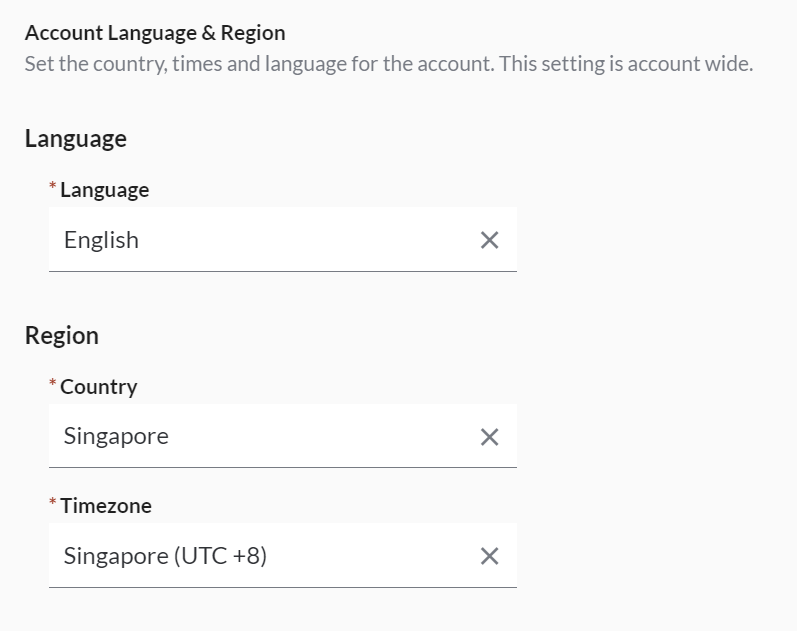
To set the account language and timezone,
- Go to Settings > General > Account Language & Region
- Select your preferred language and timezone
- Click Save to save changes
Unit and Shipping Factor
The dimensions of items can be recorded in Metric or Imperial systems of measurements. You may also apply a Shipping Factor to help calculate the volumetric/dimensional (DIM) weight of your items.
- Go to Settings > General > Unit and Shipping Factor
- Choose your preferred system of measurements (unit) and shipping factor.
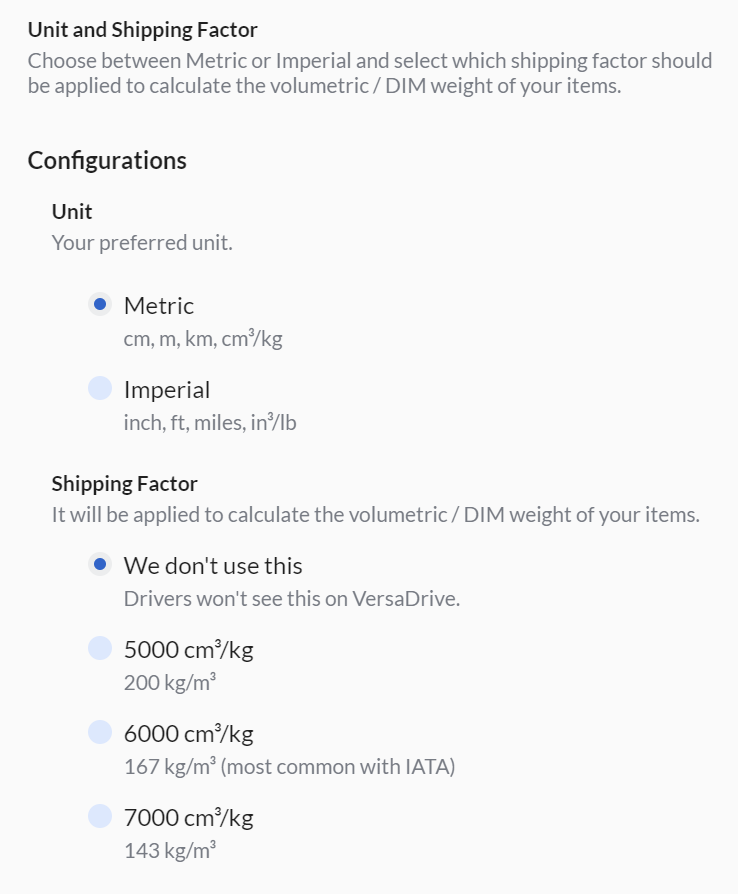
- If Shipping Factor is used, the volumetric weight of the items can be exported from VersaFleet in Planning > Tasks.
- Click Save Configurations to save changes