Updating your Profile
- Select the User icon from the top-right and click Update Profile.
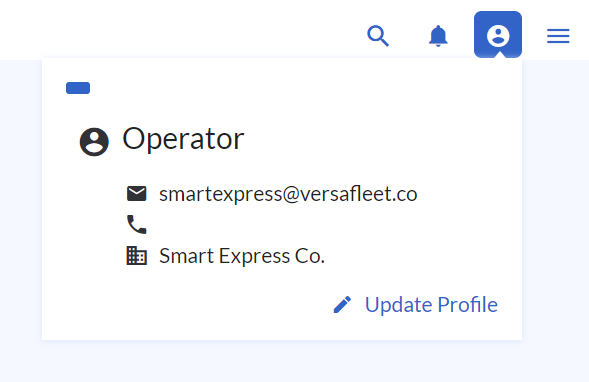
- Click Edit Profile
- Set all your personal information, such as your Name and Contact Number (including country code).
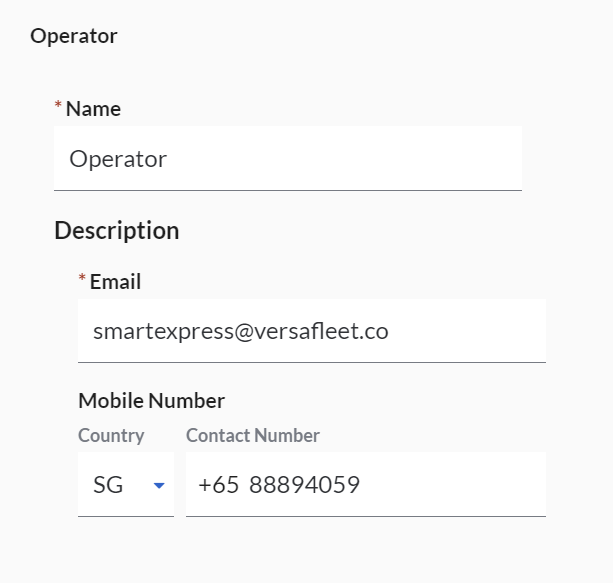
- Hit Save User to save edits.
Changing your Password
- To change your password, hit the Change Password button.
- Your new password must:
- be at least 10 characters
- include upper-case letters, lower-case letters, symbols and numbers, and
- not be in the list of 95,000 common passwords
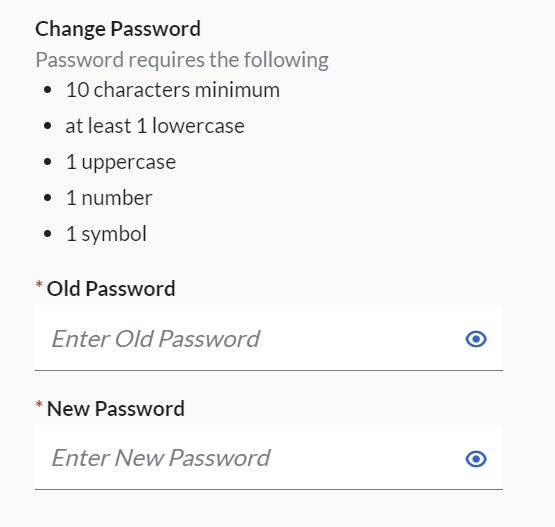
- Hit Change Password to save your new password.