VersaDrive™ allows your drivers to receive runsheets and update task status on-the-go. You'll be notified of any change in task status (acknowledged, started, successful and failed) on VersaFleet™ and be able to receive photos and signatures which are automatically included in the electronic Proof-of-Delivery.
Download VersaDrive™ for Android
Before you start, you'll need to have an activated VersaDrive™ account. Any configurations related to VersaDrive™ can be done in Settings > VersaDrive, on VersaFleet™.
Connect your account to VersaDrive™
To log into VersaDrive™, key in your VersaDrive™ login credentials and click Sign In.
Navigate VersaDrive™
- Top Navigation bar:
- The Menu button on the left allows you to access My Runsheet, New Jobs, My Stats and Tutorials
- The Date Picker lets you choose a date to view the task for that particular day.
- The Search icon allows you to search for Tasks, Names, Addresses, Tags or IDs.

Tutorials
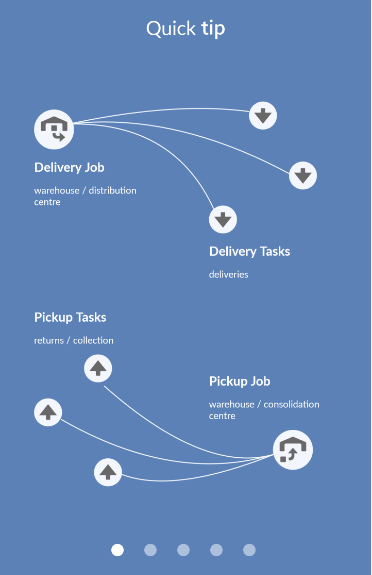
Get yourself familiar with the terms we use in Tutorials. Over here, we define the terms we use such as Delivery Jobs & Tasks, and Pickup Jobs & Tasks, and we also explain how task details are displayed.
Push Notifications
Whenever tasks are sent to VersaDrive™ with the push of the Update VersaDrive button on VersaFleet™, you'll get a notification on your phone saying "You have been assigned new jobs". Tap on this notification and you'll be navigated to VersaDrive™.

New Jobs
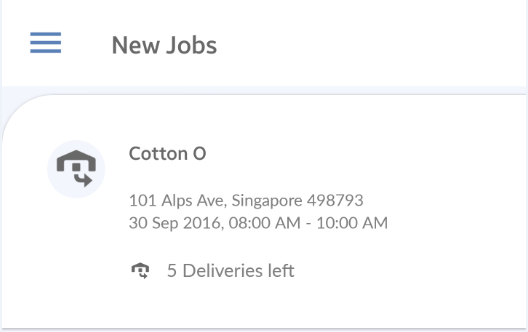
The New Jobs screen displays Jobs that has been assigned to you and are yet to be acknowledged or approved. Once they are approved, they will be displayed in My Runsheet.
My Runsheet
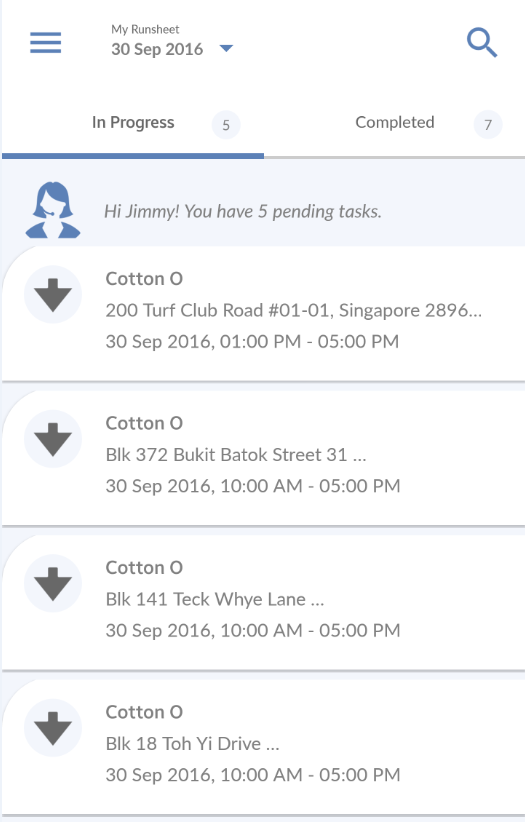
My Runsheet displays the tasks that have been assigned and acknowledged by a VersaDrive™ user.
In Progress shows tasks that are yet to be started as well as the ongoing ones. Completed displays tasks that have been completed either successfully or not.
The sequence of the tasks is determined on VersaFleet™ when they are being routed.
My Stats
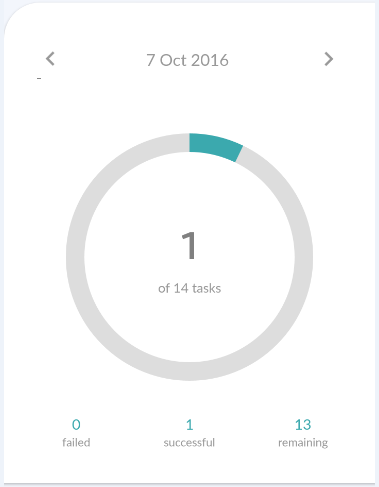
My Stats provides at-a-glance views of the number of tasks based on these statuses - successful, failed and remaining. You'll be aware of your current performance for the day or month.