VersaDrive app notifications can be managed through your device settings.
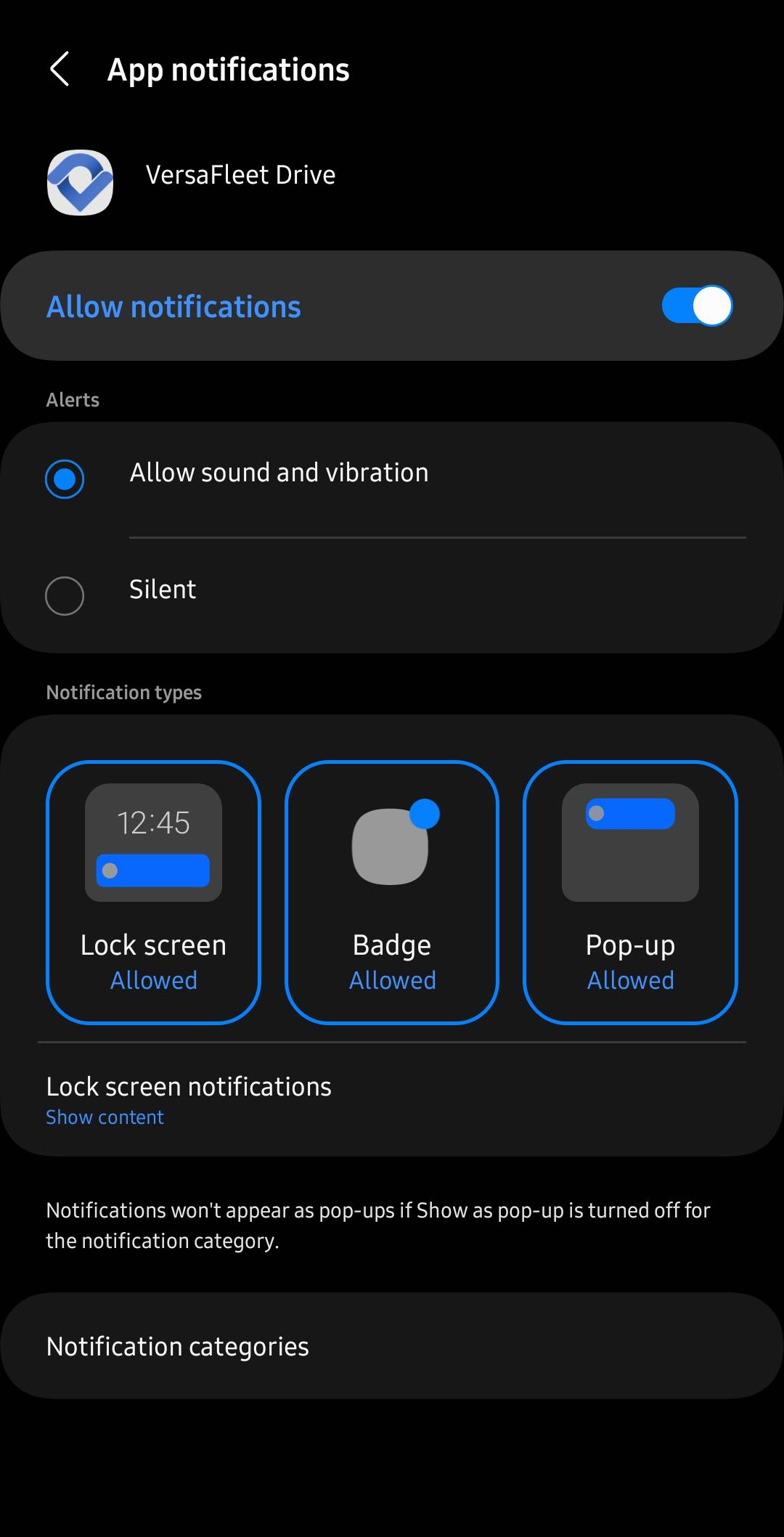
Android
- Go to Settings > Apps > VersaDrive > Notifications.
- Ensure the main Allow notifications switch is toggled on.
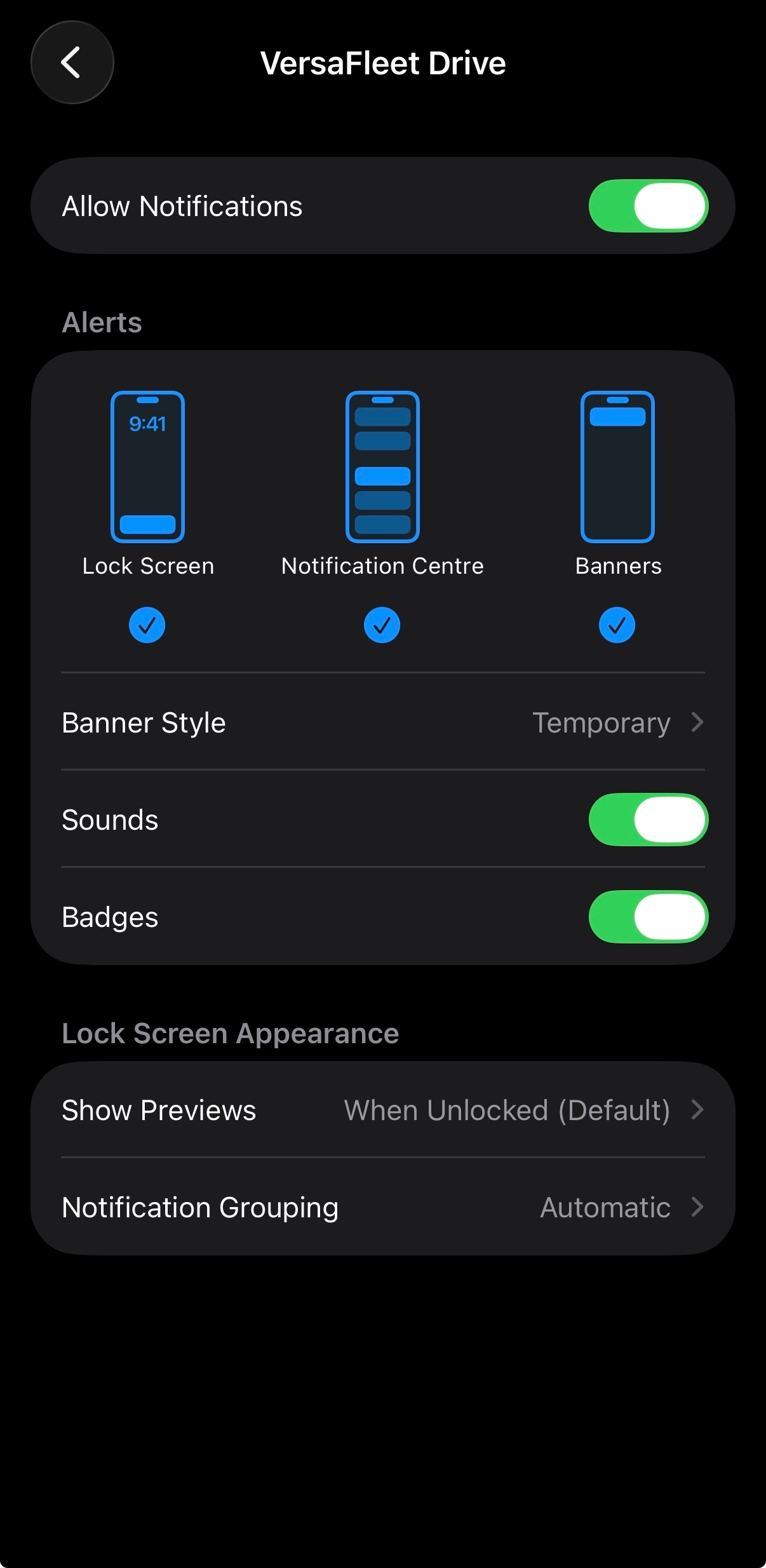
iOS
- Go to Settings > Notifications > VersaDrive.
- Toggle Allow Notifications on.
Types of Notifications
- When a task is assigned to a driver
- When a task is unassigned from a driver
- When a task is cancelled
- When there are changes to the task