VersaFleet allows you to export all your jobs in both CSV and XLSX formats.
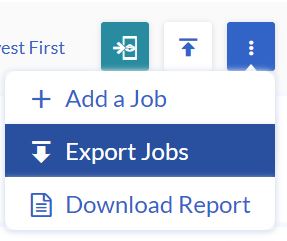
- To export the Jobs, go to Planning > Tasks > More actions (button on the top right), and select Export Jobs.
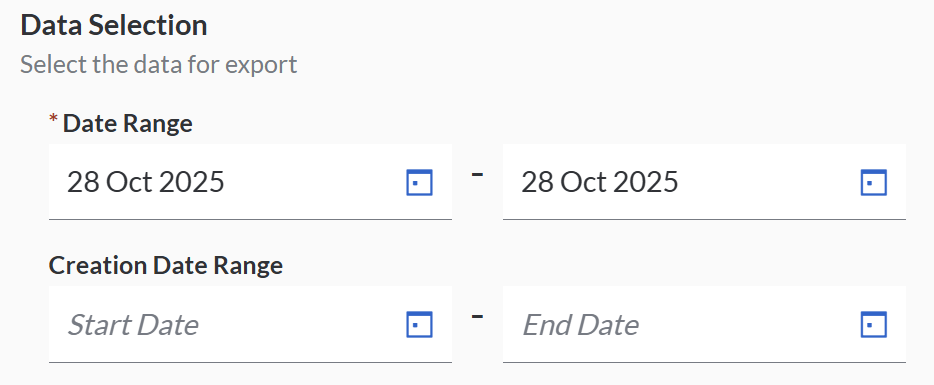
- Define the:
- Date Range - this is the date of the jobs, or
- Creation Date Range - this is the date the jobs are created
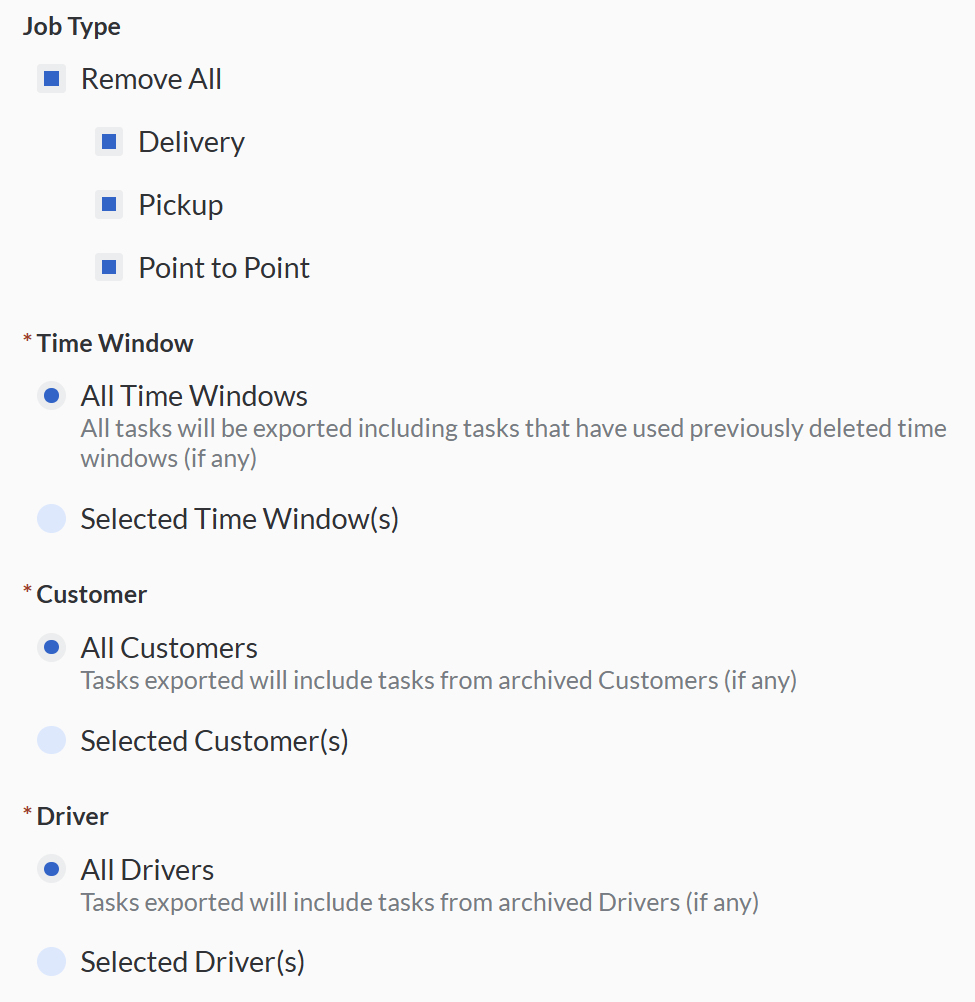
- You may also filter based on the Job Type, Time Window, Customer, Driver, Job State and Task State.
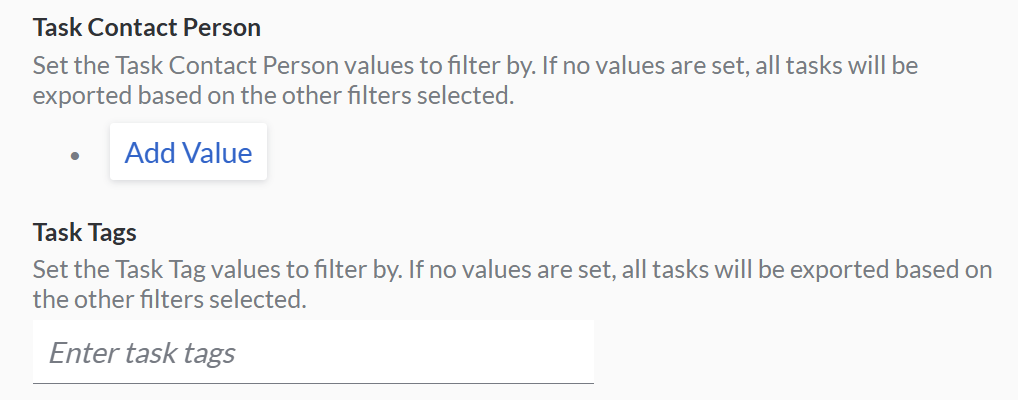
- You may set the specific information about Task Contact Person and Task Tags.
- You need to select the information needed from the specific Job details, specific Task details, specific Item details and export the results in .xlsx or .csv files.
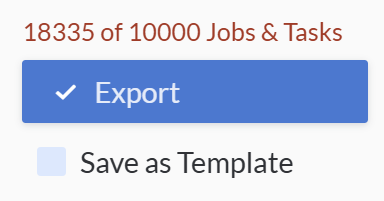
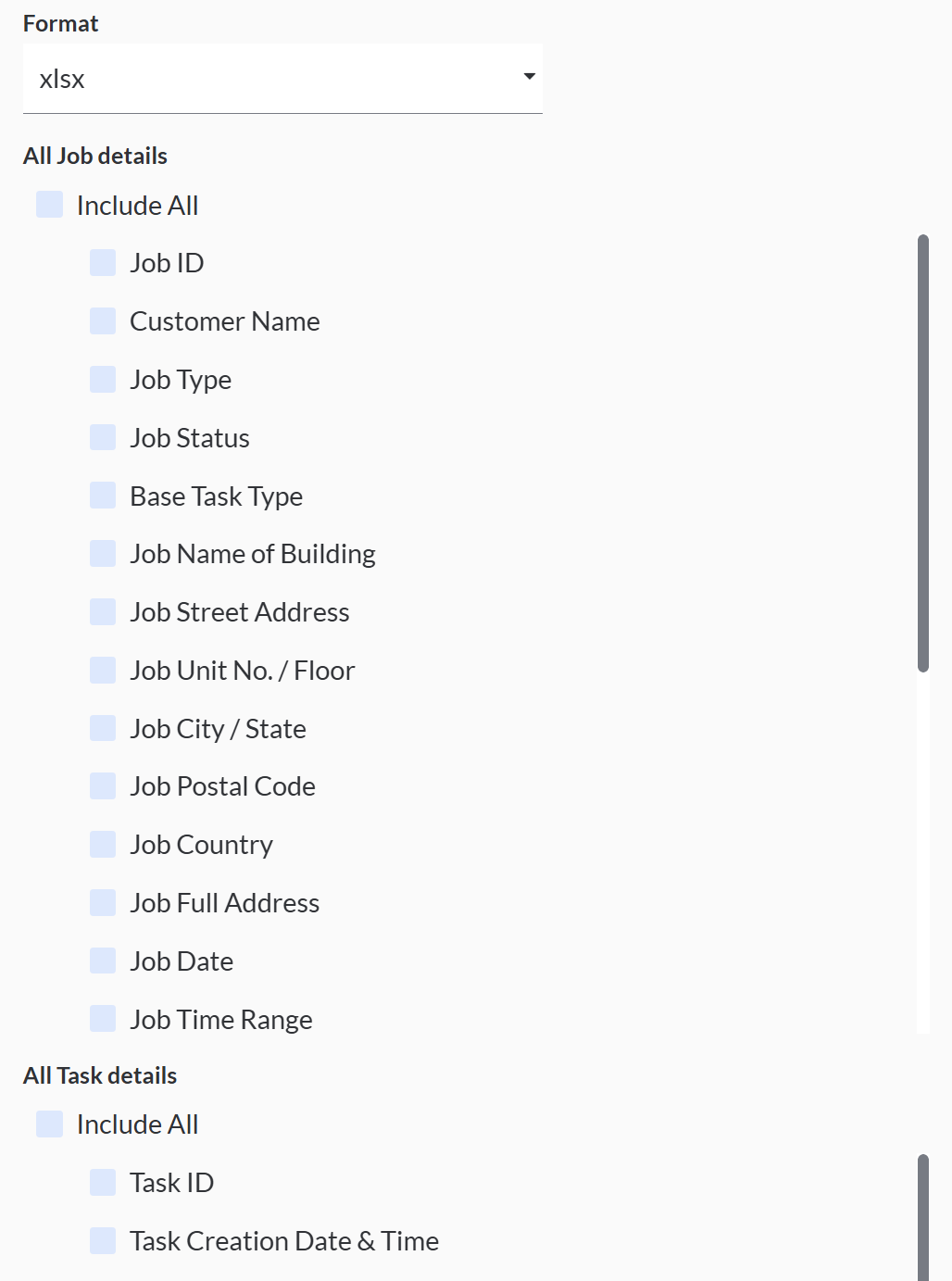 Note: you can export a set of jobs with more than 10,000 tasks at a time.
 - Hit Export Jobs & Tasks to export
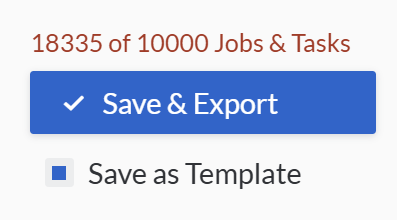
Saving Export Template
-
You can also save the export template by selecting the 'Save as Template' and click Save & Export.
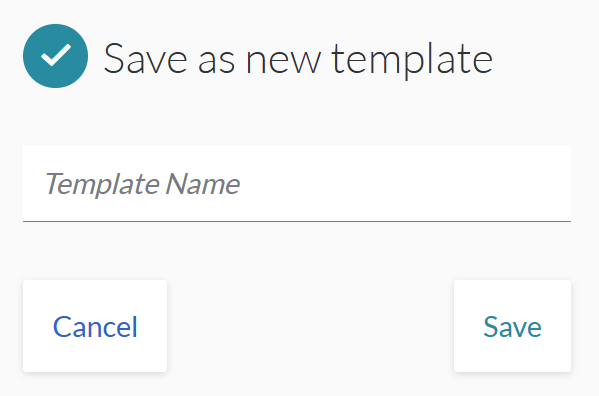
- Name the save template and click Save
- You may export the same template from the 'Jobs & Tasks Export' list.
Scheduling Export Template
- To schedule the export template, under schedule, select Enable and choose schedule time as daily, weekly or monthly.
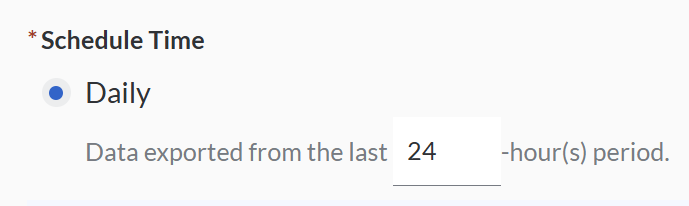
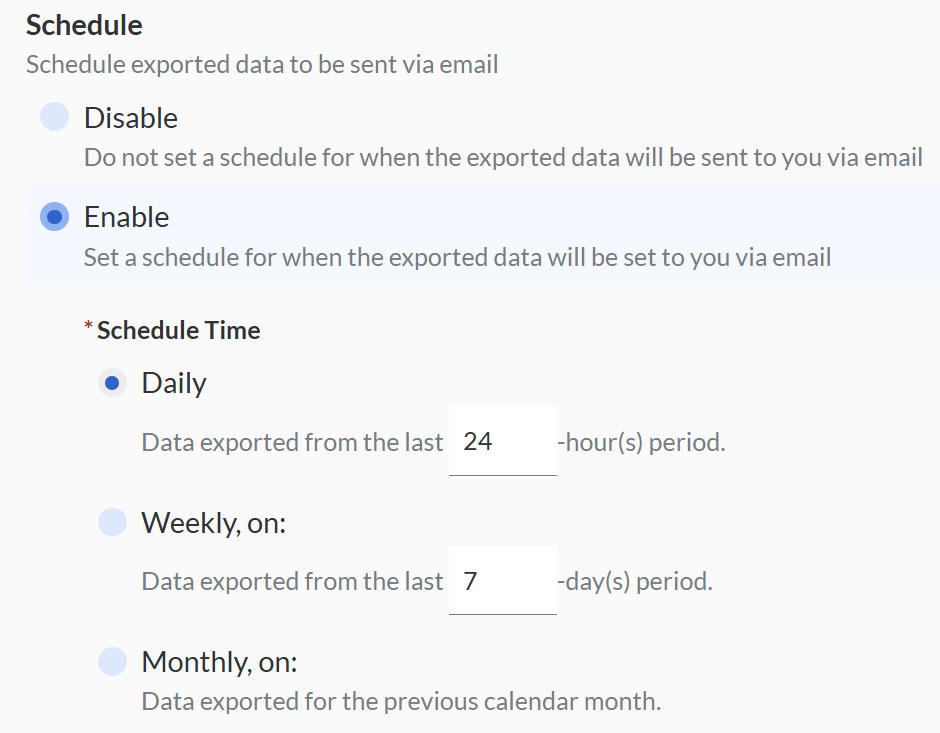 Daily: Data exported from the last how many hours period
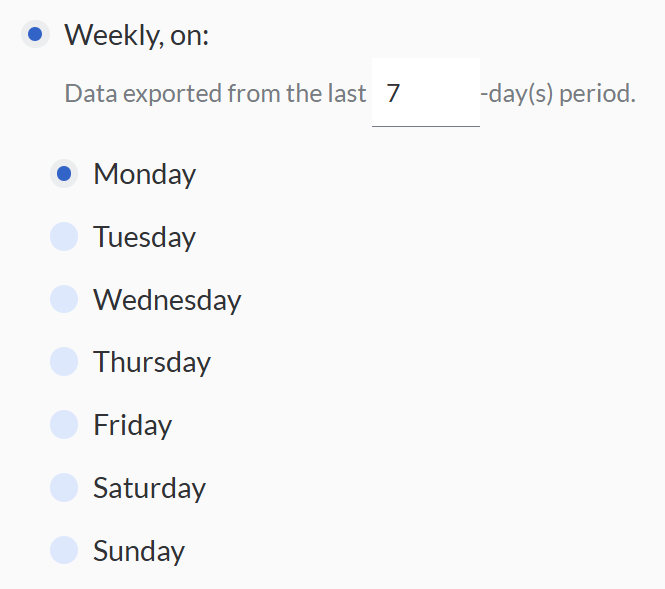
 Weekly: Data exported from the last how many days period.
 Monthly: Data exported from the previous calendar month.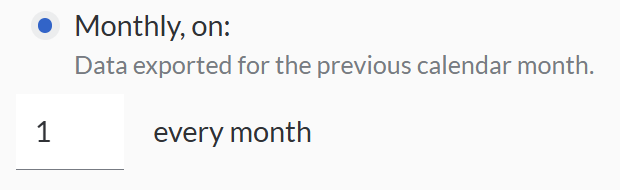
- You need to choose the export jobs and tasks based on 'Date Range' or 'Creation Date Range' and fill in the start exporting data time.
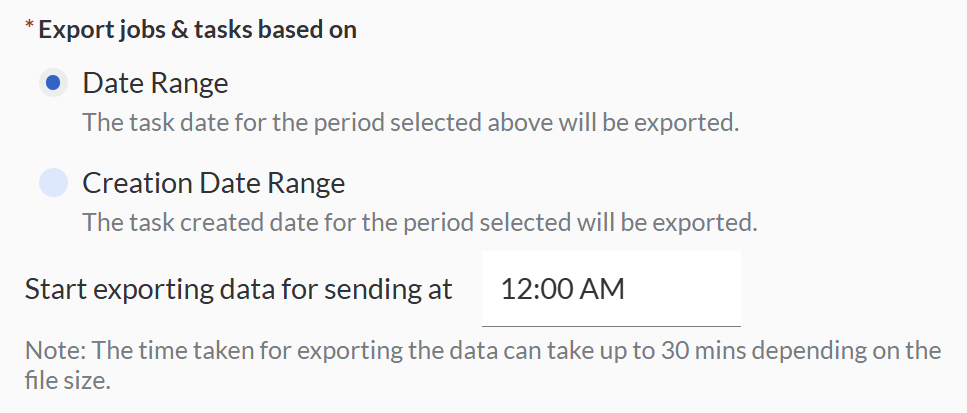 Note: The time taken for exporting the data can take up to 30 mins depending on the file size.
 - Fill in the recipient's email address.
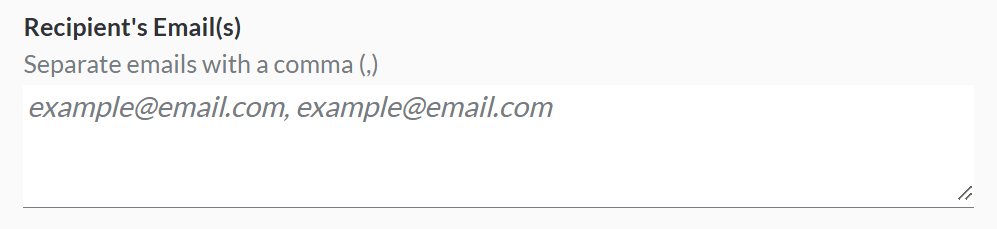
- You may filter the export template based on the information needed.
- Click 'Save & Export' to save.
You may scheduling the export template by daily, weekly and monthly.
List of fields that can be exported:
| Description | |
| All Job details | |
| Job ID | VersaFleet generated ID for the job |
| Customer Name | Customer |
| Job Type | Delivery (1 to many) or Pickup (many to 1) |
| Job Status | Current status of the job in VersaFleet |
| Base Task Type | Tied to Job Type but opposite. If Job Type is Delivery, Base Task Type is Pickup, and vice versa |
| Job Pickup/Delivery Name of Building | Pickup building |
| Job Pickup/Delivery Street Address | Pickup address line1 |
| Job Pickup/Delivery Unit No. / Floor | Pickup address line2 |
| Job Pickup/Delivery City / State | Pickup address line3 |
| Job Pickup/Delivery Postal Code | Pickup Postal code |
| Job Pickup/Delivery Country | Pickup Country |
| Job Pickup/Delivery Full Address | Pickup full address |
| Job Date | Pickup date |
| Job Time Range | Pickup Time Range |
| Job Time Range Start | Pickup Time Range Start |
| Job Time Range End | Pickup Time Range End |
| Job Time Window | Pickup time window |
| Job Scheduled Time | Pickup scheduled time |
| Job Contact Person | Name of person at pickup location |
| Job Contact Number | Contact number of person at pickup location |
| Job Contact Email | Email of person at pickup location |
| Job Tags | Labels or any keywords to link to the job |
| Job Description | Pickup Description |
| Job Completion Notes | Completion notes keyed in by driver in collection |
| Job Archived Status | Archived or Unarchived |
| All Task details | |
| Task ID | VersaFleet generated ID for the task |
| Task Creation Date & Time | Task Creation Date & Time |
| Task Type | Tied to Job Type. If Job Type is Delivery, Task Type is Delivery and vice versa |
| Account Name | Tied to Customer Name |
| Task Tags | Labels or any keywords to link to the task |
| Task Notes | Notes for the driver |
| Task Status | Current status of the task in VersaFleet |
| Complete State | Complete / Not Complete |
| Date & Time of Last Status Update | Timestamp of latest status |
| Recipient Name | Name of person who received the items |
| Task Contact Person | Name of person at delivery location |
| Task Contact Number | Contact number of person at delivery location |
| Task Contact Email | Email of person at delivery location |
| Task Pickup/Delivery Name of Building | Delivery building |
| Task Pickup/Delivery Street Address | Delivery address line 1 |
| Task Pickup/Delivery Unit No. / Floor | Delivery address line 2 |
| Task Pickup/Delivery City / State | Delivery address line 3 |
| Task Pickup/Delivery Postal Code | Delivery Postal code |
| Task Pickup/Delivery Country | Delivery Country |
| Task Pickup/Delivery Full Address | Delivery full address |
| Task Latitude | Delivery latitude |
| Task Longitude | Delivery longitude |
| Task Date | Delivery date |
| Task Time Range | Delivery Time Range |
| Task Time Range Start | Delivery Time Range Start |
| Task Time Range End | Delivery Time Range End |
| Task Time Window |
Last updated: more than two weeks ago
|