When Tasks are assigned to drivers, the task details will be sent to the VersaDrive user (Driver). If Driver Acknowledgement has been enabled, the drivers will have to acknowledge that they have received the tasks. Once they have acknowledged them, the tasks will appear in the In Progress tab.
To acknowledge tasks,
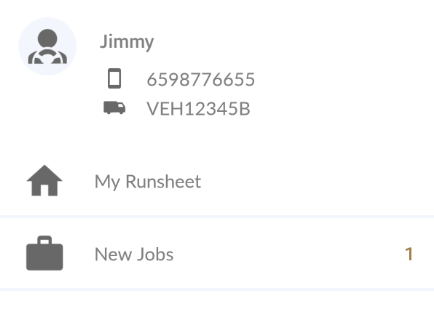
- Go to New Jobs from the menu on the left
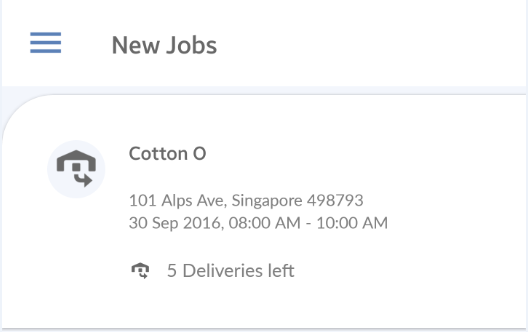
- Select the job which you'd like to approve
- Check the tasks that you'd like to approve. You may tap on Approve All or tap the Tick button of those tasks that you want to approve and the Approve button.

Note: If you would like to remove the need for drivers to acknowledge the tasks, you may choose to disable this. Go to Settings > VersaDrive > Driver Acknowledgement and disable it.