Approved Job
If the job has been approved, it will be moved from the Submissions tab to the In Progress tab.
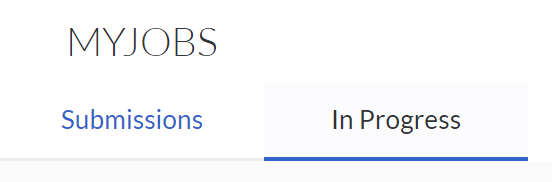

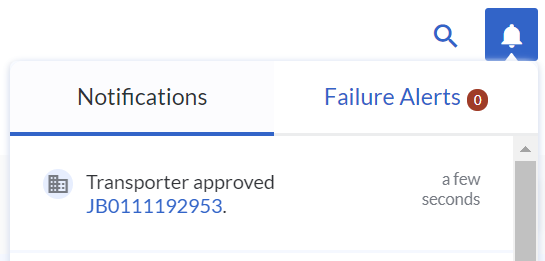
When the VersaFleet user approves the job, there will be a notification from the notifications bell at the top-right.
Rejected Job
If the job has been rejected, it will remain in the Submissions tab. The Job Status will be 'Rejected'.
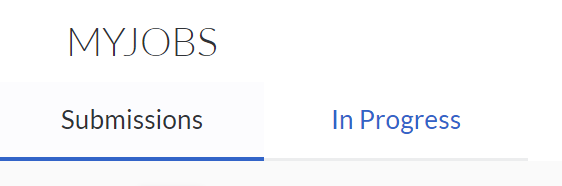
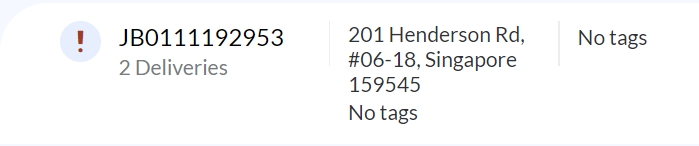 When the VersaFleet user rejects the job and included a reason, the reason for rejection can be found in the notifications from the notifications bell at the top-right.
 You may make the changes before clicking 'Resubmit Job' to resubmit the Job to the VersaFleet account.
