Viewing Attachments and e-POD
Note: The ability to view attachments and e-POD is configured in the VersaFleet account.
- In the 'In Progress' tab, click on a 'Completed' task.
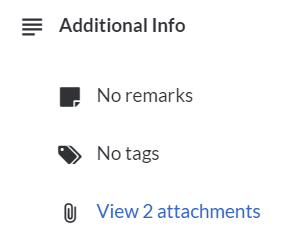
- To view attachments, click on the link under 'Additional Info'
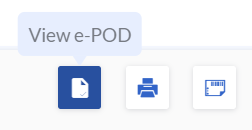
- To view e-POD, click View e-POD on the right.
 Alternatively, back in the 'In Progress' tab, hover over the 'Completed' task and click View e-POD on the right.